How to Update Jade Mod Safely
Update Jade without leaving duplicate JARs or crossing Minecraft and loader branches.
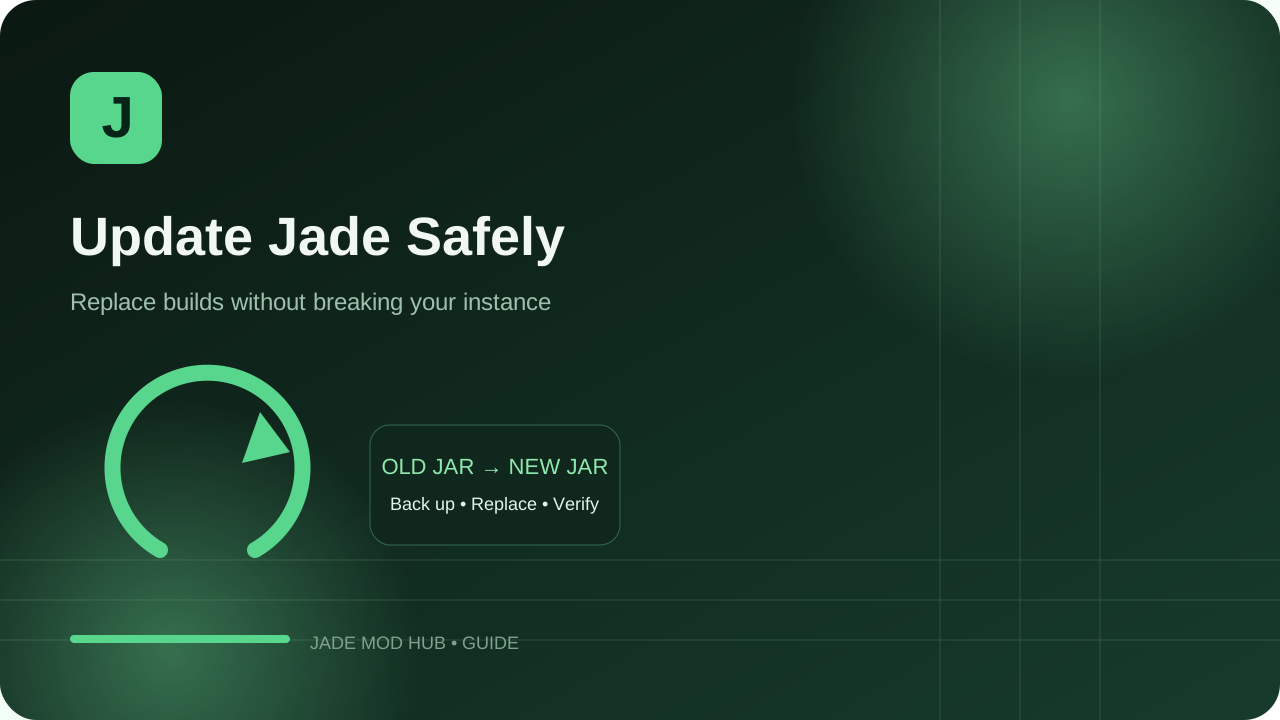
Before updating
Check whether the new Jade release targets the same Minecraft version and loader as your current instance. Back up the instance or at minimum your config folder when changing several related mods at once.
Replace, do not stack
- Close Minecraft and the launcher process using the instance.
- Remove the older Jade JAR from the
modsfolder. - Add the new matching Jade JAR.
- Update a required dependency only when the release notes or loader require it.
Verify the update
Launch a test world, confirm the overlay appears and check a few common targets. Then inspect your keybinds and configuration if the update changed defaults or added modules.
Keep a rollback path
If the new build causes a regression, restore the previous known-good JAR and config backup. Avoid mixing old and new files in the same mods folder because duplicate builds can create misleading errors.
Use an official download source
When you are ready to download, use the official Jade project on Modrinth or CurseForge. Verify the exact Minecraft version, loader and dependency information shown on the release page.